for journalists · bloggers · reviewers
Press kit
Writing about Diffoniq? Here is what it does, the key facts, images from the released build and how to reach us. To list the download on your site, see the page for download sites: descriptions to copy, the PAD file and the terms for hosting the files.
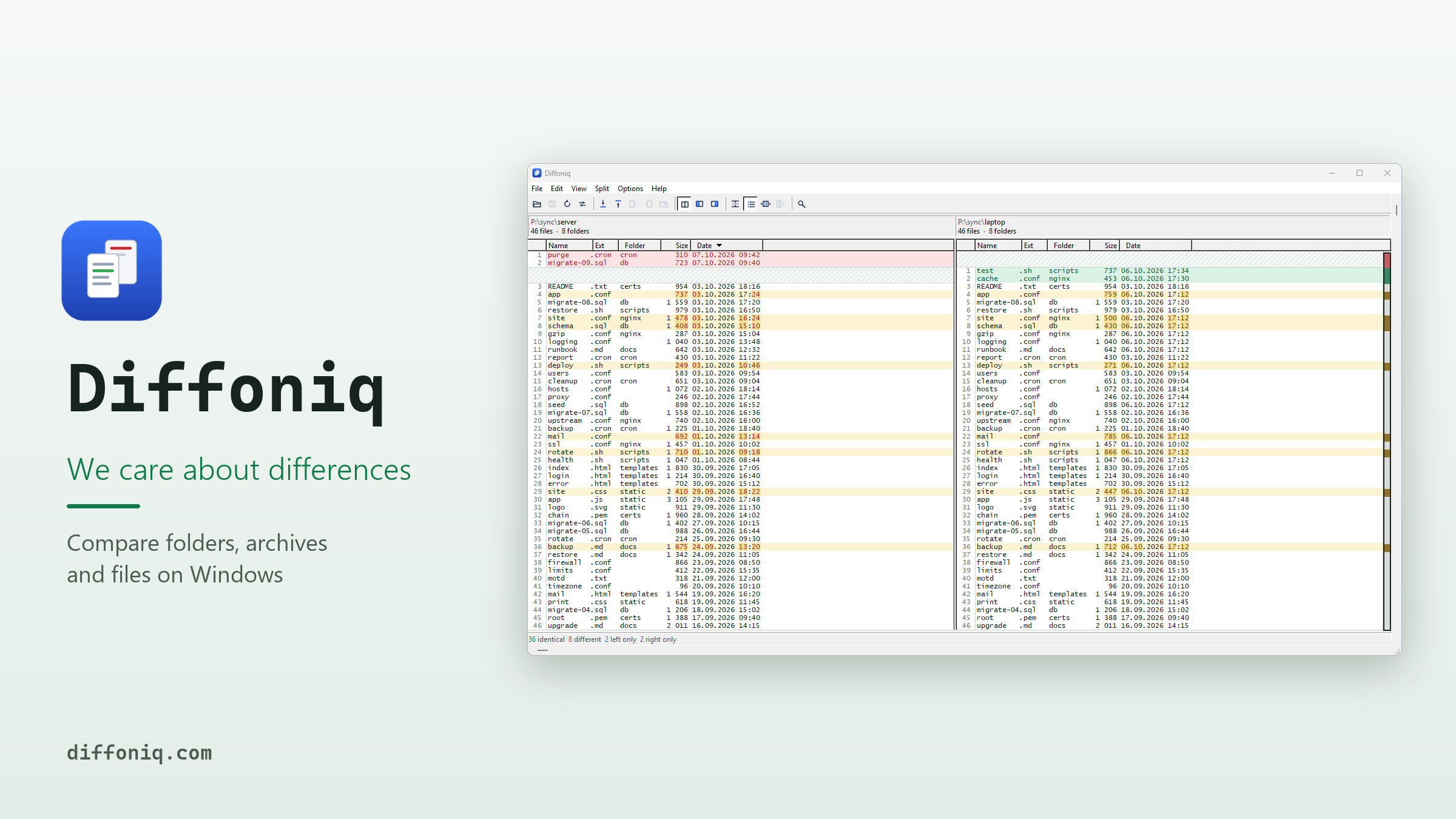
In brief
Diffoniq is a native Windows tool that shows two folders, archives or text files side by side and marks every difference. ZIP, 7z, RAR, tar, CAB and ISO open like folders, without extracting. Word, Excel and PowerPoint files, also the old .doc, .xls and .ppt, compare by their content. A built-in MCP server lets Claude Code, Cursor or Copilot compare folders with read-only tools. One-time purchase, 30-day trial with every feature, no account, no telemetry.
Auf Deutsch: Diffoniq ist ein natives Windows-Programm, das zwei Ordner, Archive oder Textdateien nebeneinander zeigt und jeden Unterschied markiert. ZIP, 7z, RAR, tar, CAB und ISO öffnet es wie Ordner, ohne Entpacken. Word-, Excel- und PowerPoint-Dateien, auch die alten .doc, .xls und .ppt, vergleicht es nach ihrem Inhalt. Über einen eingebauten MCP-Server vergleichen Claude Code, Cursor oder Copilot Ordner mit Werkzeugen, die nur lesen. Einmalkauf, 30 Tage Testzeit mit allen Funktionen, kein Konto, keine Telemetrie.
What stands out
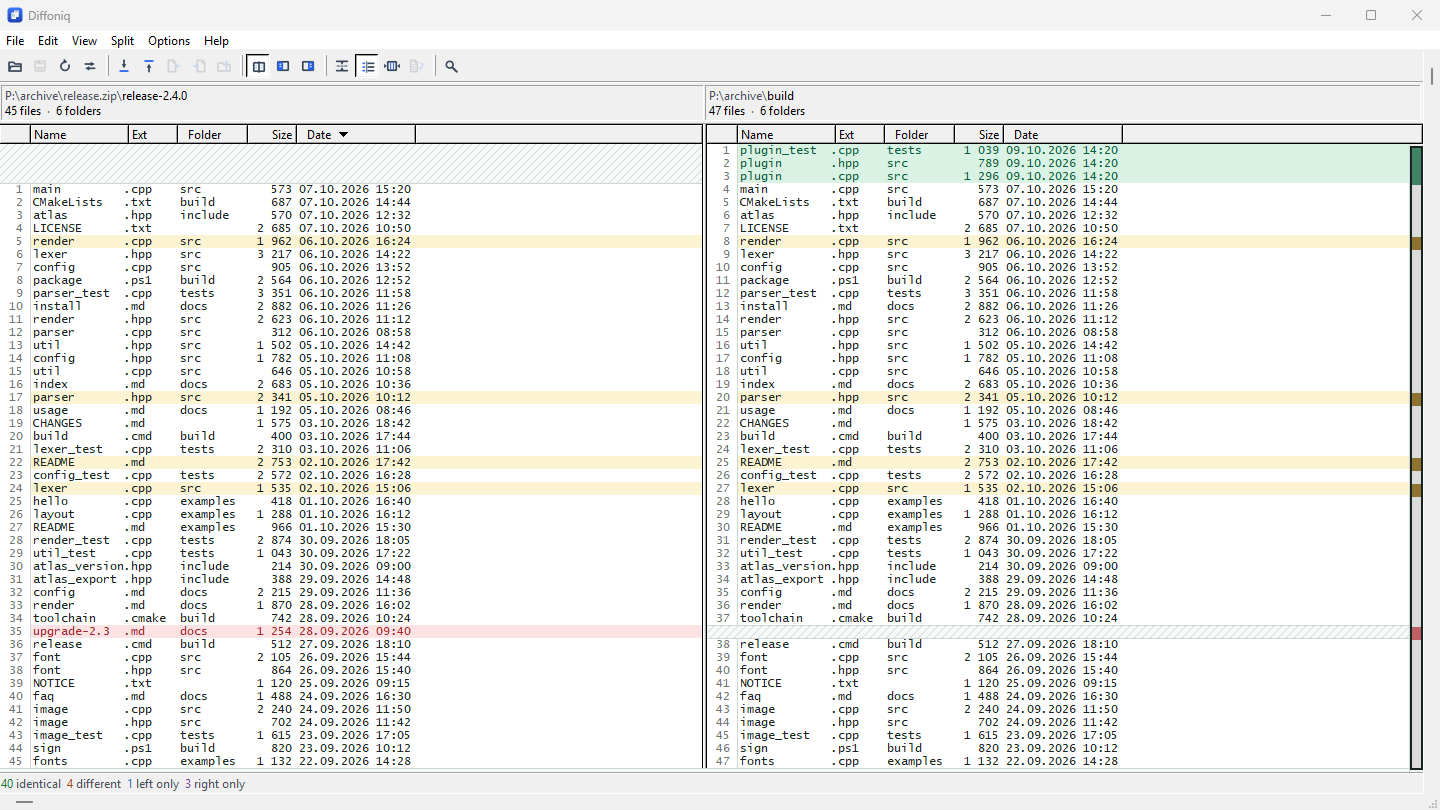
- Archives are folders. ZIP, 7z, RAR, tar, CAB and ISO open like folders, also nested, and a folder inside an archive can be one side of a comparison. Nothing is extracted.
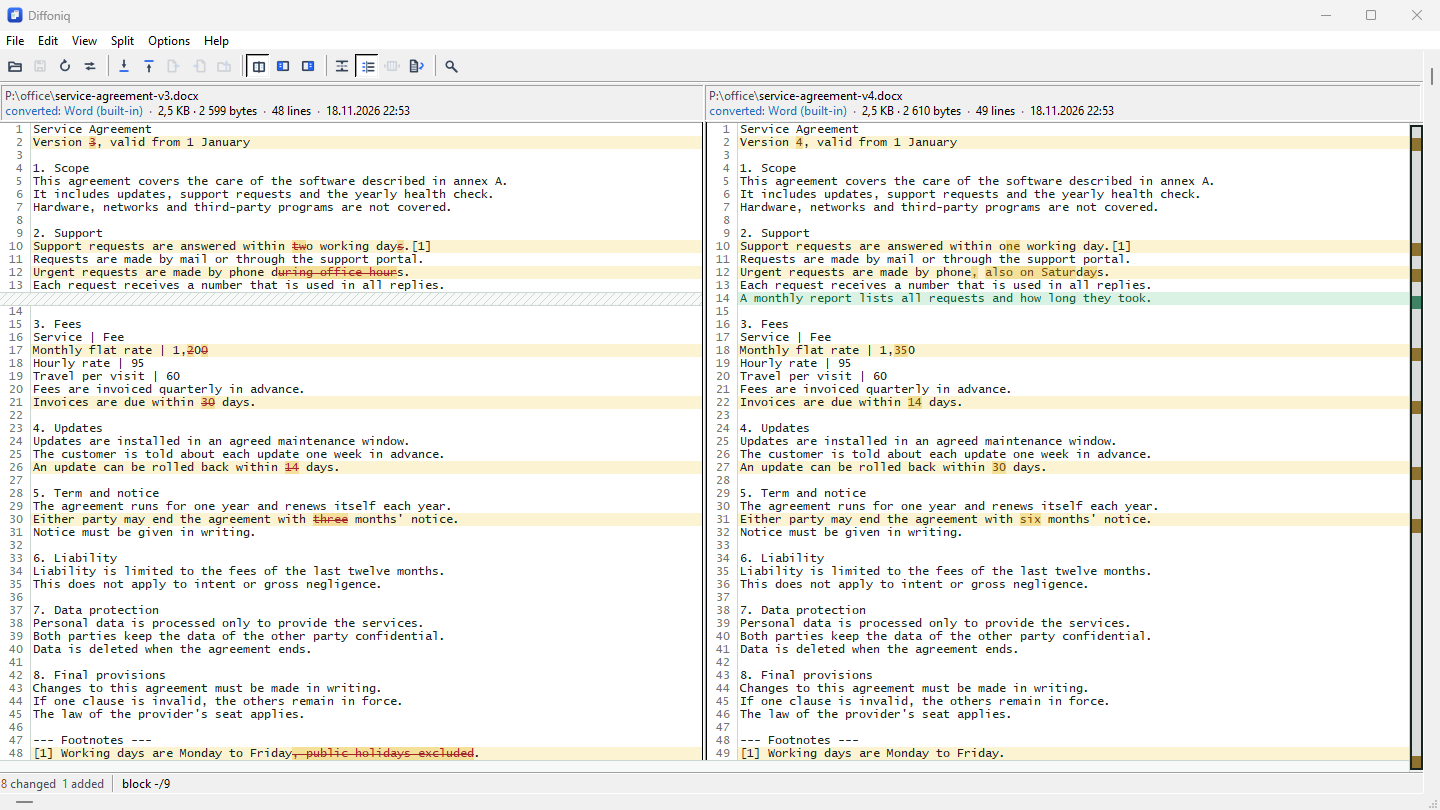
- Office files without Office. Word, Excel and PowerPoint (also .doc, .xls and .ppt), OpenDocument, EPUB and JSON are turned into text by built-in converters, so you see which paragraph or cell changed instead of “binary files differ”. Office does not need to be installed.
- A tool for AI assistants. A built-in MCP server gives Claude Code, Claude Desktop, Cursor, GitHub Copilot in VS Code and others four tools that only read. The assistant gets a summary and only what differs, instead of reading every file into its context. Listed in the official MCP Registry; see the guide.
- Honest results. If a file could not be checked by its content, it is marked “unverified”, never “identical”.
- Local. No account, no cloud, no telemetry. Besides the update check, Diffoniq goes online only when you click a link.
The facts
| Field | Value |
|---|---|
| Product | Diffoniq |
| Maker | C.Sitte Softwaretechnik e.U., an Austrian company selling software since 1995 |
| Category | File, folder and archive comparison |
| Price | One-time purchase, no subscription. Single user $35; site licences from $80. |
| Trial | 30 days with every feature, no account needed |
| System | Windows 10 and 11, 64-bit; interface in English |
| Get it | Signed MSI installer and portable ZIP on the
download page, the
Microsoft Store, or
winget install --id CSitteSoftwaretechnik.Diffoniq -e |
| What's new | News and changelog |
| Contact | support@diffoniq.com |
Images
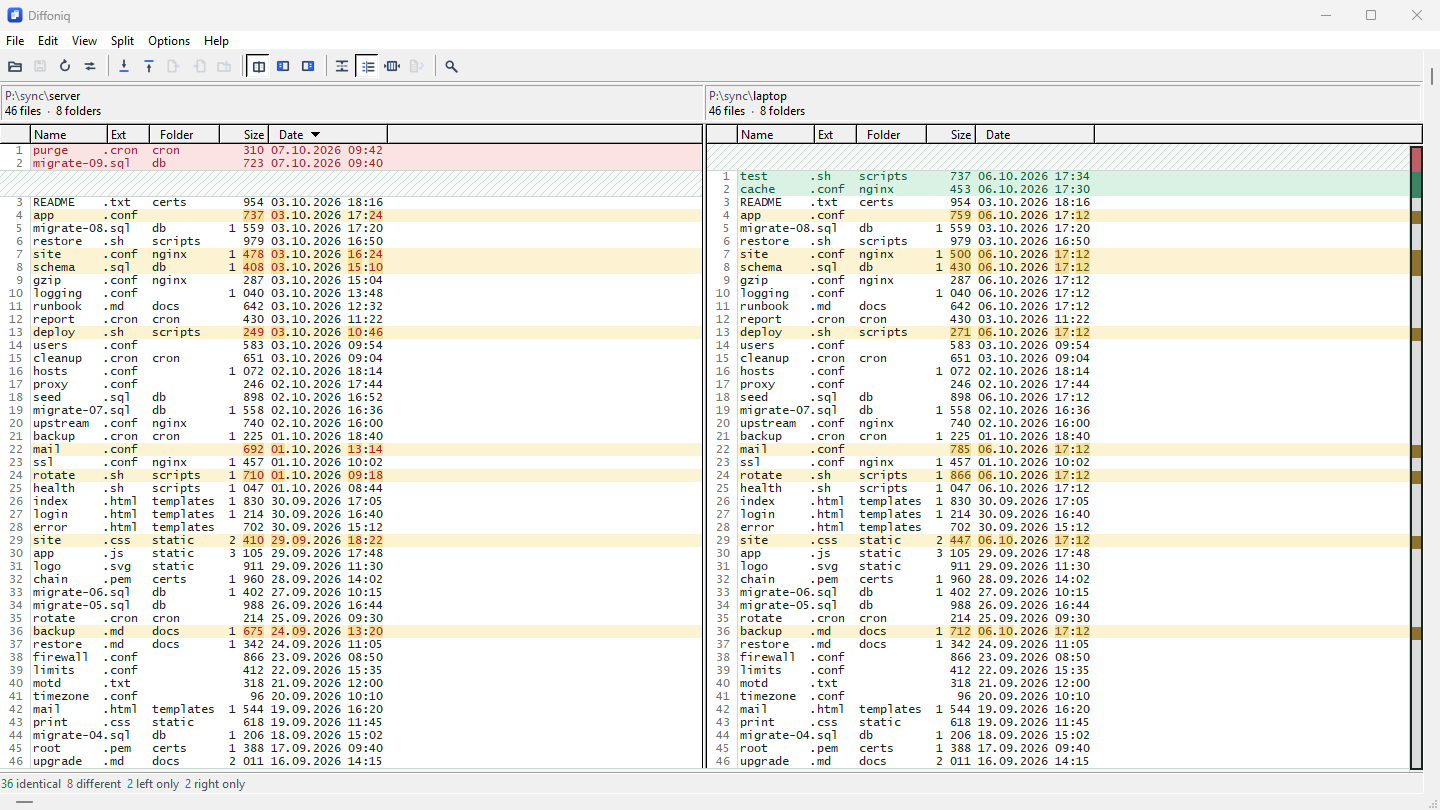
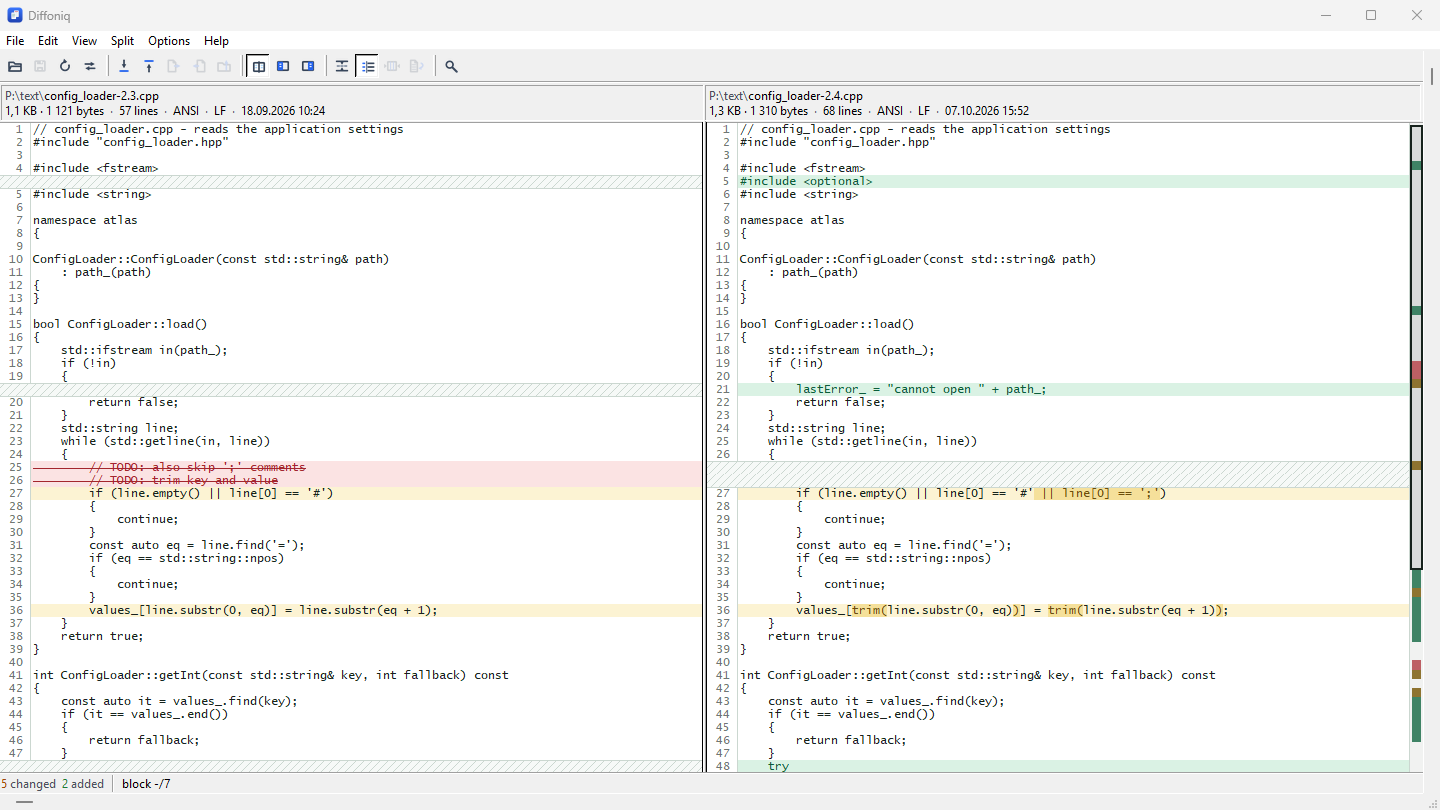
Free to use when you write about Diffoniq. The screenshots come unedited from the released build 2.4.1 in default colours; cropping is fine, please don’t change what they show. Click an image for the full-size PNG.
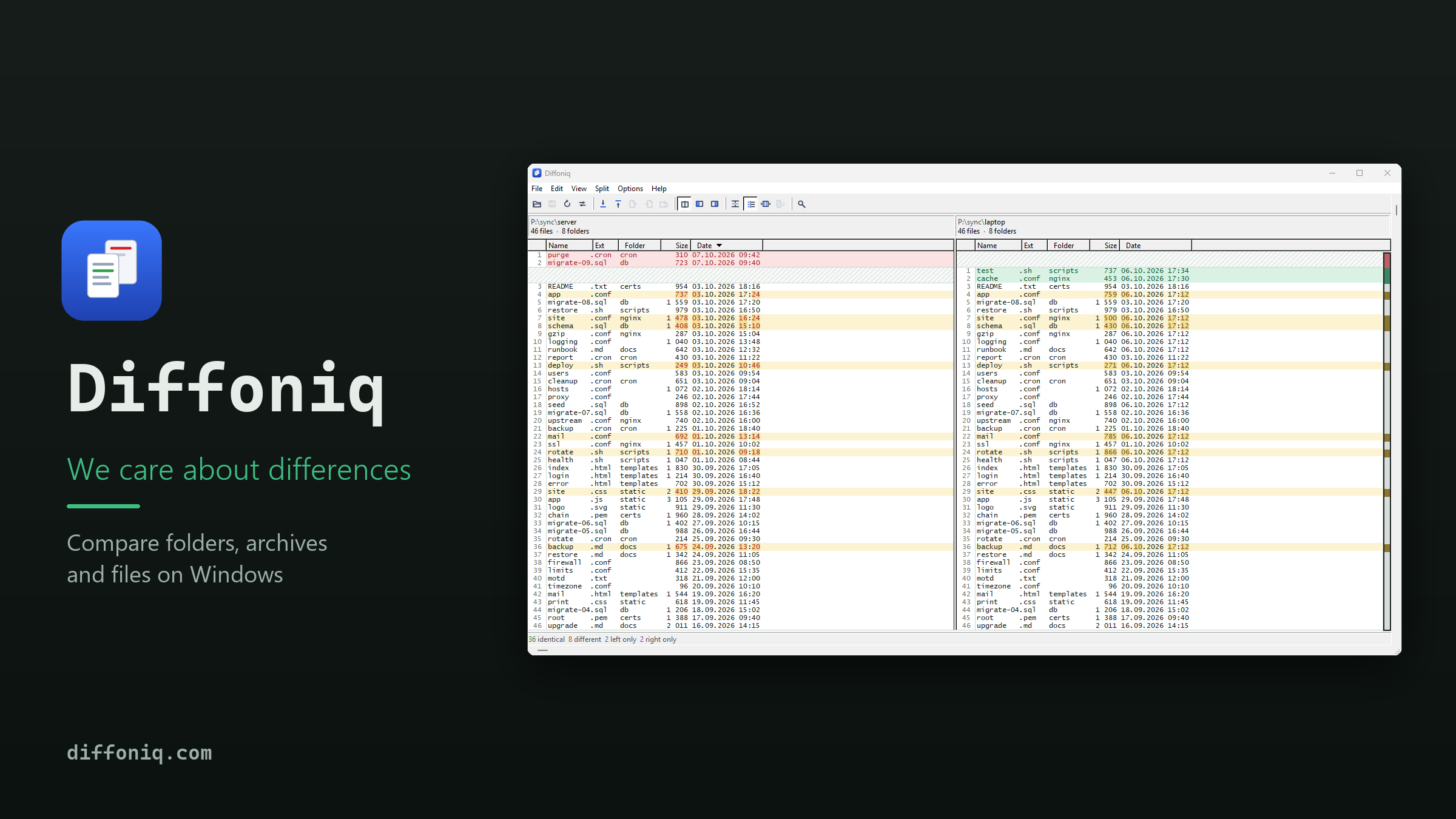
Icon: PNG 256×256, PNG 1024×1024, SVG. Please show it unchanged, on its own or next to the name.
Contact
Questions, a review licence beyond the trial, or images in another size: support@diffoniq.com. We answer in English and German.